
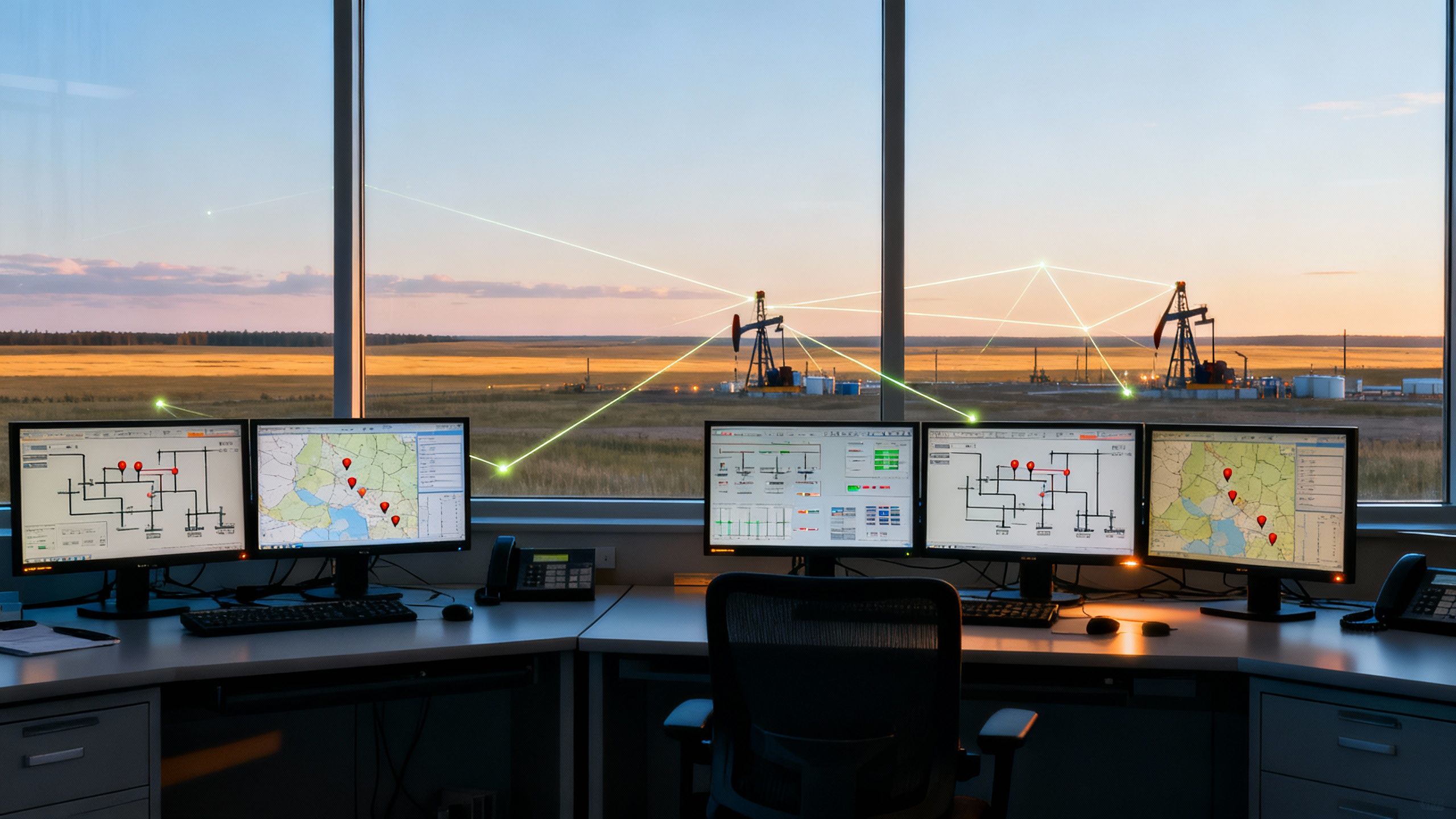
You’ve got assets scattered across hundreds of miles. Wellheads, pump stations, compressor sites, substations. You’re supposed to have visibility into all of them. Right now, you’re probably getting calls at 2 AM about problems that happened hours ago, sending operators on four-hour drives to check equipment that turns out to be fine, or discovering failures only after they’ve caused $50,000-$200,000 or more in production losses. That’s not remote SCADA monitoring. That’s damage control.
This guide delivers a practical framework for remote SCADA implementation built from real project experience. You know what SCADA is. What you need is a way to make remote site monitoring work reliably across 50 locations with spotty cellular coverage, limited power, and a security team that won’t approve anything that touches the internet. Industrial automation in Canada faces unique challenges: extreme temperature ranges, vast distances between sites, and regulatory requirements that vary by province.
The lessons here come from projects that worked and from watching what happens when critical decisions get made for the wrong reasons. Usually, “it’s cheaper” or “the vendor promised it would work.”
Disclaimer: Communication technologies, cybersecurity standards, equipment specifications, and pricing change frequently. All information is based on available 2025 data and should be verified with current sources and qualified engineering professionals before making implementation decisions. Costs vary significantly by region, vendor, and project scope.
Connectivity and data security requirements vary by region; confirm compliance with Canadian privacy and engineering standards, including PIPEDA and APEGA or other provincial engineering association requirements where applicable.
Still Getting 2 AM Calls About Problems That Happened Hours Ago at Remote Sites?
Talk to Vista’s System Integration Team
Defining Your Remote Monitoring Requirements Before Selecting Technology
Here’s where most projects go wrong: someone falls in love with technology before anyone defines what the system actually needs to do. You end up with RTUs costing $8,000 or more sitting in the desert, communicating perfectly to a central system that can’t do anything useful with the data.
Spend 40-60 hours on requirements definition before you spec any equipment. That investment saves 200-400 hours of rework. Every time.
What’s the Difference Between Monitoring-Only and Supervisory Control?
This distinction can affect your budget by 20-40%, sometimes more, yet it’s often glossed over.
Monitoring-only lets you observe data, but operators can’t remotely change anything. Full supervisory control means operators can start pumps, open valves, and shut down equipment from a central location.
The difference affects network security requirements (viewing data vs. someone shutting down your facility), communication latency tolerances (view-only handles 2-5 second delays, while control needs under 500ms), operator training (16-40 additional hours for control authority), and regulatory compliance.
I worked on a project where the client specified full control at 120 sites because “we might need it someday.” Real requirement? Control at 15 critical sites, monitoring at 105 others. That distinction saved approximately $1.6 million in that particular case. Your results will vary based on site conditions, communication infrastructure, and regional factors.
Practical assessment: For each site, ask: How quickly must operators respond? Under 60 seconds means control is justified. Hours mean monitoring is sufficient. How long to physically reach the site? Over 4 hours means control is essential for time-sensitive functions.
Auditing Your Existing Infrastructure
Before you spec a single RTU, know what you’re working with. I’ve seen engineering firms spend weeks designing from documentation that was 15 years out of date.
Walk every site. Budget 2-4 hours each. The documentation is always wrong at facilities older than 10 years. You’ll find PLCs nobody knew existed, communication conduits already run but never terminated, and power availability completely different from drawings.
One project: drawings showed 120VAC at every wellsite. Site visits revealed 40% had been converted to solar-only five years earlier. That represented roughly $200,000 in design changes for that project.
Test cellular coverage yourself. Carrier coverage maps are optimistic at best. Measure at ground level, inside enclosures where antennas will mount. Record signal strength in dBm: -70 dBm or better is generally good; -100 dBm or worse is typically problematic.
Establishing Measurable Success Criteria
“Better visibility” isn’t testable. “95% communication uptime with 30-second maximum latency of 30 seconds” is testable.
Define availability targets (often targeting 99.5% for general monitoring, 99.9% for critical infrastructure), performance requirements (latency, scan rates), and business outcomes (many organizations target 30-50% reduction in unplanned site visits, though actual results vary significantly by operation).
Write these into the acceptance criteria. Get stakeholder signatures. Otherwise, you’ll commission a functional system that nobody’s happy with because expectations were never aligned.
Selecting RTUs and PLCs for Remote Sites
The RTU is your eyes and ears in the field. Pick wrong, and you’ll fight reliability problems for a decade at sites that can cost $500-$2,000 or more per visit.
RTU vs PLC: Which Should You Choose for Remote Monitoring?
Unpopular opinion: for most remote SCADA applications, you want a purpose-built RTU, not a PLCA programmable logic controller is a ruggedized industrial computer designed to execute discrete and sequential control logic for machinery ... pressed into remote service. PLCs excel at high-speed machine control. RTUs are designed for harsh environments, unreliable communication links, and scattered I/O.
Choose RTU when: the primary function is data acquisition and communication, I/O counts are small (under 100 points), power is limited, or long-distance communication is required. RTUs typically support DNP3 and Modbus protocols optimized for remote data acquisition.
Choose PLC when: Significant local process control logic needed, high I/O density (200+ points), high-speed scanning (sub-100ms), reliable power and communication.
Don’t cheap out on environmental ratings. That $800 savings on a non-rated enclosure can cost $10,000-15,000 or more when the unit fails in year two, and you’re sending crews 300 miles to replace it.
For sites with higher I/O density, integrating remote I/O systems with your RTU can simplify field wiring while maintaining communication reliability.
Equipment costs vary significantly by vendor, configuration, and region. Verify current pricing with suppliers before budgeting.
Local Intelligence and Store-and-Forward
Your communication link will fail. Maybe for 5 minutes, maybe for 3 days. What happens to your data?
Without local intelligence: data gaps you can never fill, alarms that never reach operators, and no timestamps showing when events actually occurred.
With proper store-and-forward, RTU buffers data locally with GPS-synchronized timestamps, uploads automatically when communication is restored, and the historian shows exactly when events occurred.
Configure exception-based reporting from day one. Instead of polling every tag every second, report only when values change beyond a deadband. Well-configured systems often cut communication costs by 70-85% with no loss of meaningful data. A site transmitting 50MB/month might drop to 8-15MB with proper exception reporting. Actual results depend on your tag configuration and process variability.
Field Instrumentation for Remote Environments
Remote sites eat instrumentation alive. Temperature swings, moisture, vibration, wildlife (squirrels have destroyed more RTUs than I’d like to admit), and months between maintenance visits.
Standardize on common device types. When you need to replace a transmitter at 3 AM, grab the same model you’ve got spares for. Limit to 2-3 manufacturers for primary instrumentation.
Surge protection is non-negotiable. Lightning within a quarter-mile can damage electronics. Budget $50-150 per circuit, depending on your region and specifications. I’ve seen sites lose upwards of $40,000 in equipment from one event because someone skipped roughly $2,000 in surge protection.
Think about calibration access before installation. That level transmitter might be technically perfect, but if calibrating it requires scaffolding and confined-space entry, you’ll never calibrate it.
Choosing Communication Technologies for Remote SCADA
I’ve seen more remote monitoring projects fail due to communications than any other factor. Usually, because technology was selected based on vendor promises rather than site reality.
Technology Selection Framework
Cellular (4G LTE/5G): Default choice where coverage exists. Generally reliable, generous bandwidth, predictable costs (typically $25-75/month per site, though rates vary by carrier and region). Use the signal strength data you gathered during site audits to make informed decisions.
Licensed Radio: You own the spectrum, you manage the network, nobody else’s traffic affects performance. Higher upfront cost (often $50,000-200,000 or more for multi-site network infrastructure) but minimal ongoing costs. Generally breaks even with cellular around 50-100 sites, depending on configuration, geography, and regional licensing requirements.
Satellite: Option when nothing else works. Traditional geostationary: 500-700ms latency (fine for monitoring, problematic for control), typically $100-500/month plus data charges. LEO constellations (Starlink): 20-50ms latency, around $120/month at current rates. Still maturing for industrial automation applications, and pricing may change.
Communication costs and availability vary significantly by region. Verify current carrier coverage and pricing for your specific locations.
Don’t underestimate hybrid configurations. Cellular primary with satellite backup typically adds $400-600 in hardware plus around $30/month per site. When a radio tower went down during a windstorm, one client maintained 100% visibility during a 3-day repair, helping prevent what they estimated could have been $150,000 or more in undetected releases.
Designing for Reliability
Every path fails eventually. Minimum for critical sites: two independent paths using different technologies. Automatic failover within 30-60 seconds.
Build monitoring for your monitoring system. Track signal strength trends, error rates, and latency. One client noticed gradual signal degradation over 12 months due to seasonal foliage blocking antennas. Tree trimming costs around $200 per site and prevents emergency visits that typically run $1,500 or more.
For industrial automation across Canada, cellular coverage gaps in northern and remote regions often require satellite backup or licensed radio networks.
Designing SCADA Network Architecture That Protects Your Operations
Let me be direct: if you connect your remote SCADA system to the internet without proper architecture, you will likely get compromised. The “we’re too small to be a target” thinking gets you hacked. Automated scanning tools don’t care how big you are.
Network Segmentation
The Purdue Model isn’t an academic theory. It’s the foundation of defensible OT architecture.
Key principle: Level 1-2 devices (PLCs, RTUs, HMIs) should NEVER have direct connectivity to Level 4-5 (corporate IT, internet). Period. No exceptions for convenience.
Create a DMZ between OT and IT. Traffic pattern: OT pushes data to DMZ servers. IT pulls from DMZ servers. Never route traffic directly from the internet to control systems. Industrial firewalls typically run $5,000-30,000 each, depending on throughput requirements. Configure with explicit allow rules, deny everything else.
Secure Remote Access
VPN configuration: Terminate in DMZ, not on control components. AES-256 encryption minimum. Disable split tunneling.
Jump servers: Hardened systems serving as a single entry point for remote OT access. Located in the DMZ. Multi-factor authentication required. No exceptions. All sessions logged.
Role-based access: Operators see only their assigned areas. Vendors get time-limited access to specific systems. IT gets network infrastructure only, no control access.
How Much Does Secure Remote SCADA Access Cost?
Proper remote access infrastructure often runs $30,000-100,000 for a medium operation (20-50 sites), though costs vary significantly by scope and existing infrastructure. That’s a rounding error compared to a successful attack. Ransomware demands regularly exceed $500,000 for industrial targets.
Security requirements vary by industry and jurisdiction. In Canada, the Personal Information Protection and Electronic Documents Act (PIPEDA) and provincial privacy legislation may apply to SCADA systems that collect or transmit data linked to individuals or operational activities. Organizations should assess whether their remote monitoring data falls under privacy regulations and implement appropriate data handling practices. Cybersecurity regulations differ across regions and sectors. Implementation should follow current standards such as IEC 62443 and involve qualified cybersecurity professionals. Regulations change frequently. Verify current requirements for your specific situation.
Ongoing Security
Security isn’t a commissioning checkbox. Develop patch management strategies balancing security and availability. Evaluate critical patches within 14 days; deploy within 30-60 days. Conduct quarterly vulnerability assessments using OT-aware tools. Maintain incident response relationships before you need them.
Your emergency procedures for electrical breakdowns should include protocols for SCADA system failures and communication outages.
Configuring Your SCADA Host Platform
Server Architecture
For remote monitoring that matters, redundant servers are not optional.
Hot standby (recommended): Primary and secondary synchronized in real-time. Failover typically occurs in 5-30 seconds. Minimal to no data loss. Cost: approximately 2x standalone.
Budget roughly $15,000-25,000 per server for systems with 10,000-50,000 tags. Verify current hardware pricing as costs fluctuate. Virtualization is standard practice. Use dedicated virtual hosts for SCADA, and reserve resources without overcommitment.
HMI Design for Remote Operators
Selecting the right SCADA software features determines whether your remote monitoring platform can scale across distributed sites. Traditional HMI design with detailed graphics and lots of color actually impairs operator performance. When monitoring 50 sites on a single screen, operators need to instantly recognize which sites require attention. They don’t need beautiful animations.
High-performance HMI principles: Muted backgrounds, reserving color for abnormal conditions. Analog values are displayed prominently. Alarm status visible in context.
Remote-specific considerations: Design for degraded bandwidth. Show last-known values with clear staleness indicators when communication is down. “No data” isn’t helpful.
Alarm management: Remote operators managing multiple sites can’t process 200 alarms per minute. Implement prioritization, suppression during known conditions, and clear escalation procedures.
Historian Configuration
Recommended approach: Store-and-forward buffering at RTUs (24-72 hours), regional aggregation at major facilities, and a central historian for enterprise access. Data flows upstream when available; it stays local when communication fails.
Plan retention policies: compressed process data 2-7 years, alarm logs 3-7 years, operator actions 7+ years, depending on your regulatory requirements. Storage typically runs 2-5 GB per 10,000 tags per year with good compression, though actual volumes depend on process variability and compression settings.
Deploying Mobile and Web Access
Your operators expect visibility from their phones. Done right, field technicians check sites before driving out, managers verify status during off-hours calls, and response times improve. Done wrong, you create security vulnerabilities and tools that don’t work when needed.
Architecture: VPN-protected web access. Never expose SCADA web servers directly to the internet. HTTPS everywhere, TLS 1.2 minimum. Session timeout is 15-30 minutes for control access.
Mobile considerations: Native apps offer push notifications and offline caching, but require device management (MDM). Configure alarm notifications with priority levels and throttling. Notification floods during major events cause operators to ignore everything.
Adoption matters: Technology nobody uses provides no value. Budget 2-4 hours of training per user. Document when to dispatch trucks vs. continue monitoring. Measure adoption. If operators aren’t using mobile access after 90 days, find out why.
Testing and Commissioning
Good testing catches problems where fixes cost hundreds. Bad testing means discovering problems in production where fixes cost tens of thousands.
Factory Acceptance Testing
A rigorous factory acceptance testing process catches configuration errors and communication issues before equipment leaves the shop. Before the equipment ships, when changes are cheap. Simulate actual network conditions (100-300ms latency, 1-2% packet loss). Don’t just test over Ethernet cables across the bench. Verify store-and-forward by simulating communication outages.
Budget 3-5 days for typical projects (10-20 RTUs).
Site Acceptance Testing
Proves the system works in the actual environment. Test every I/O point. Not a sample. That one transmitter you skipped is wired backward and will cause confusion for years.
Test failover by killing primary communication paths. Verify backup activities within the specified time. Do this during SAT, not during your first real failure.
Performance Baselines
Document what “normal” looks like before handover. “The system seems slow” is hard to troubleshoot. “Response time is 800ms, but baseline was 200ms” focuses your investigation.
Resolve marginal performance before handover. Optimism about problems fixing themselves is a poor strategy.
Planning for Ongoing Operations
A remote SCADA system that works at commissioning but degrades over the years delivers disappointing value.
Maintenance: Quarterly inspections, annual comprehensive maintenance. Build remote diagnostics in. Track battery voltage trends, signal strength, and enclosure temperature. Address degradation before failure.
Spare parts: Stock 5-10% of installed RTUs, 10% of communication modules at regional locations. Standardization reduces part numbers in stock.
Technology lifecycle: Plan for a 7-10-year refresh of communication infrastructure (3G is already sunset; 4G will eventually). Document equipment end-of-life dates. Leave 30-50% growth headroom.
Turning Your Remote SCADA Monitoring Investment into Results
Successful remote SCADA implementation requires systematic decisions aligned with operational requirements. Clear requirements first. Communication is designed for reliability. Security is built in from day one.
Your next move: Inventory your remote sites within 30 days. Walk them. Don’t trust drawings. Document existing equipment, communication options, power availability, and environmental conditions. That foundation makes every subsequent decision faster and more accurate.
For implementations spanning 20+ sites, involving multiple communication technologies, or crossing regulatory boundaries, professional SCADA system integration support accelerates delivery and reduces costly mistakes. Vista Projects brings four decades of experience across energy and industrial sectors, combining I&C engineering expertise with AVEVA platform implementation capabilities. For industrial automation projects in Canada, Vista Projects combines regional expertise with proven SCADA implementation experience.
Get Remote SCADA Built for Reliability Across Distributed Sites, Not Just the Vendor Demo
Schedule a System Integration Consultation with Vista Projects
This guide is for informational purposes only and should not be considered engineering, financial, or professional advice. Remote SCADA implementation requirements, costs, and regulations vary significantly by application, industry, region, and regulatory environment. All cost estimates are approximate and subject to change. Verify current pricing with vendors. Always consult current standards and qualified engineering professionals for site-specific guidance.